
Introduction
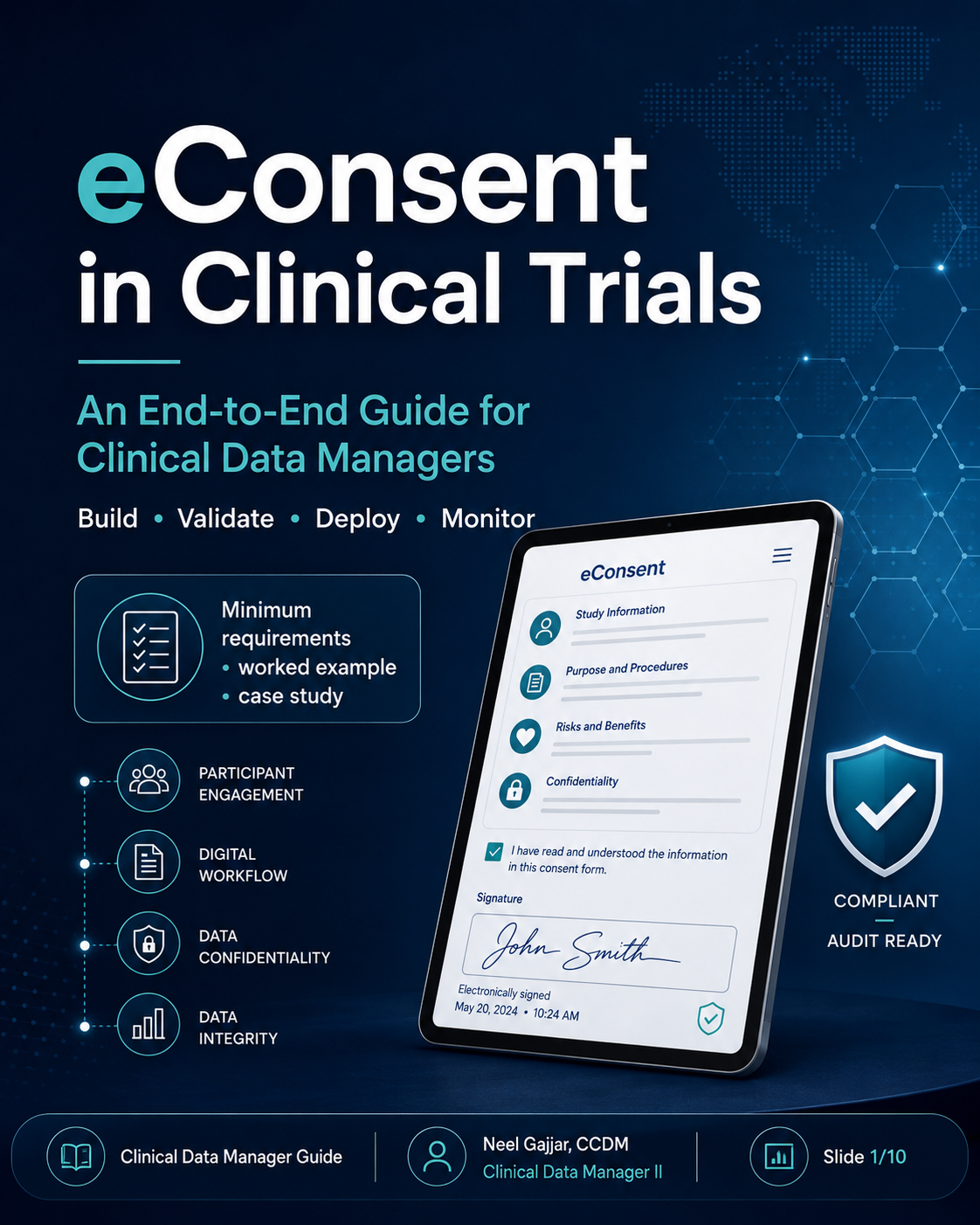
Electronic consent (eConsent) is not simply a digital version of a paper form. It is a full informed consent process - one that must protect subject rights and safety, ensure version control and regulatory compliance, and generate a complete, traceable audit trail from first signature through study close-out.
For Clinical Data Managers, eConsent is a process ownership responsibility. The CDM's role is to translate protocol requirements into system logic, control data flow and oversight, and ensure inspection readiness throughout the study.
Think like a process owner, not just a form builder.
Regulatory references: FDA/OHRP eConsent Guidance; 21 CFR Part 11 (electronic records and signatures); 21 CFR Part 50 (protection of human subjects); 21 CFR Part 56 (Institutional Review Boards).
Why eConsent Matters - And Where CDM Fits
eConsent encompasses the full informed consent process: presenting study information accessibly, supporting participant comprehension, documenting the consent decision, and maintaining a complete record of every version, amendment, and re-consent event.
CDM's three core responsibilities:
Translate protocol requirements into system logic - consent versions, language, optional sections, timing rules, and participant pathway logic
Control data flow and oversight - consent status must integrate with EDC to gate procedures and trigger re-consent workflows
Ensure inspection readiness - signed copies, audit trail completeness, and document retrievability maintained throughout the study
The End-to-End eConsent Workflow
Requirements and Feasibility - Study design, population, countries, vendor fit; confirm language needs, LAR populations, remote consent requirements, and IRB/IEC requirements by country
Approved Content - IRB/IEC-approved consent content for each version, country, language, and optional section; content changes require a new approved version, not a system update
Build and Configuration - Roles, login workflows, signature flows, and outputs; map version numbers to effective dates; define participant paths
Validation and UAT - Test all paths, versioning, current version display; include downtime, partial completion, archive, and retrieval testing
Training and Go-Live - Confirm site readiness and SOP alignment before first participant
Ongoing Monitoring - Monitor consent status, re-consent events, and deviations during study conduct
Archive and Inspection Readiness - Signed PDFs, audit trails, version history, and consent deviation documentation archived and retrievable
Best practice: Design the process before building the screens.
Minimum Requirements to Implement eConsent
1. Regulatory and Content Requirements
IRB/REB/EC-approved consent content for each applicable country and language
Correct version, effective date, and language mapped and confirmed
Copy of approved consent document provided to subject or LAR at completion
2. System and Compliance Requirements
Validated, secure eConsent platform meeting 21 CFR Part 11 requirements
Electronic signature and authentication meeting regulatory standards
Audit trail with date/time stamps timestamped to a reliable time source
Role-based access controls and version lockout preventing use of superseded versions
3. Operational Readiness Requirements
Process for participant questions and privacy documented in SOP
Site staff trained and delegated authority confirmed
Backup and downtime procedure documented and tested
Re-consent deviation and escalation workflow defined before go-live
For decentralised or remote eConsent: the system must support remote participant identification verification, remote LAR participation, and use on participant-owned devices (BYOD) with appropriate security controls - per FDA DCT Guidance (2023) and EMA reflection paper on DCTs.
How a CDM Should Handle the Build
Six key design decisions before UAT:
Participant Paths - Adult self-consent, LAR/parent-guardian, paediatric assent, re-consent; each has different signature flows and output documents
Version Mapping - Map correct form version to correct site, country, language, and effective date; documented and validated before go-live
Control Points - Configure system to block procedures or randomisation until valid consent exists; verify in UAT by attempting to access a restricted form before consent is signed - it must be blocked. This test must appear explicitly in the UAT script.
Required Outputs - Consent status, version number, date/time of signature, signer identity, document archive, signed PDF
Integrations - EDC (consent status flag), CTMS, IRT (randomisation gating), document archive
Exception Handling - Remote consent scenarios, failed signatures, downtime (paper backup + upload), correction workflows
If it cannot be tracked, it cannot be managed.
Validation and UAT Checklist
Test ScenarioExpected ResultWrong version selectedSystem blocks itParticipant signsDate/time, signer, and status capturedSigned copy generatedParticipant or LAR can receive a copyRe-consent requiredAlert triggers and current version displaysRole/permission checkOnly authorised users can actEDC status integrationConsent flag updates correctlyTimezone/audit trailCorrect timestamps and complete history retained
Do not forget: downtime scenarios, partial completion, archive and retrieval testing.
Worked Example: Remote Screening and On-Site Baseline
Participant journey:
08:12 - Participant opens eConsent v2.1 remotely
08:35 - Questions answered by delegated study staff via video call
08:42 - Participant signs electronically
08:43 - Site delegate countersigns; signed PDF stored automatically
09:00 - EDC consent flag set to complete; screening workflow opens
CDM controls behind the scenes: Correct version mapping · Timestamp sync to validated time source · Signed PDF archive with complete audit trail · Procedure gate preventing EDC access before consent complete.
Case Study: Wrong Version Used
Scenario: Site 03 used consent v1.0 after v1.1 became IRB-approved. One participant completed a questionnaire before re-consent.
CDM Response Plan:
Confirm effective dates and impacted subjects
Notify site, CRA, PM, QA, and sponsor
Hold further study procedures if needed
Re-consent on the current approved version
Document protocol deviation and initiate CAPA
Assess data impact and whether pre-consent data are usable - requires medical monitor and sponsor input
Prevention: Automated version lockout + consent listing review at least weekly. Version discrepancies escalated to site within 24 hours of detection.
What to Monitor During Study Conduct
Treat consent status as critical study data. Weekly CDM eConsent oversight should cover:
Pending or incomplete consent records
Consent after procedure date/time - any procedure recorded before consent signed
Wrong or expired version in use at any site
Missing countersignature on any consent record
Re-consent due but not yet completed
Subject or LAR copy provided - confirmation all signed participants received their document
Site trend by issue type - identify sites with recurring compliance issues
Archive and retrieval readiness - periodic check that PDFs and audit trails are accessible
Key Takeaways
eConsent is a process, not just an e-signature
Start with approved content, workflow design, and role clarity - before any screen is built
Validate version control, audit trail, and status integration - the three elements most likely to be queried at inspection
Monitor consent like critical study data
Have a playbook for re-consent, deviations, and inspection readiness - defined and tested before study opens
About the Author
Neel Gajjar
CCDM®Clinical Data Manager II
Clinical Data Manager specialising in EDC systems, CDISC standards, and GCP-compliant data governance. Creator of the Clinical Research Learning Hub — a platform built to make rigorous clinical research education accessible to every professional in the field.
Connect on LinkedInAll content is expert-written and SME-reviewed. Regulatory references are verified against current ICH GCP E6(R2), FDA, and EMA guidance.
Comments
Leave a comment